Frequently asked questions (FAQs) for medical members
New to Moda Health? Start here.
Have questions about your new health plan? You’re in the right place. Below, you’ll find helpful answers to commonly asked questions about your member ID card, finding care, prescriptions, medical bills, claims and more.
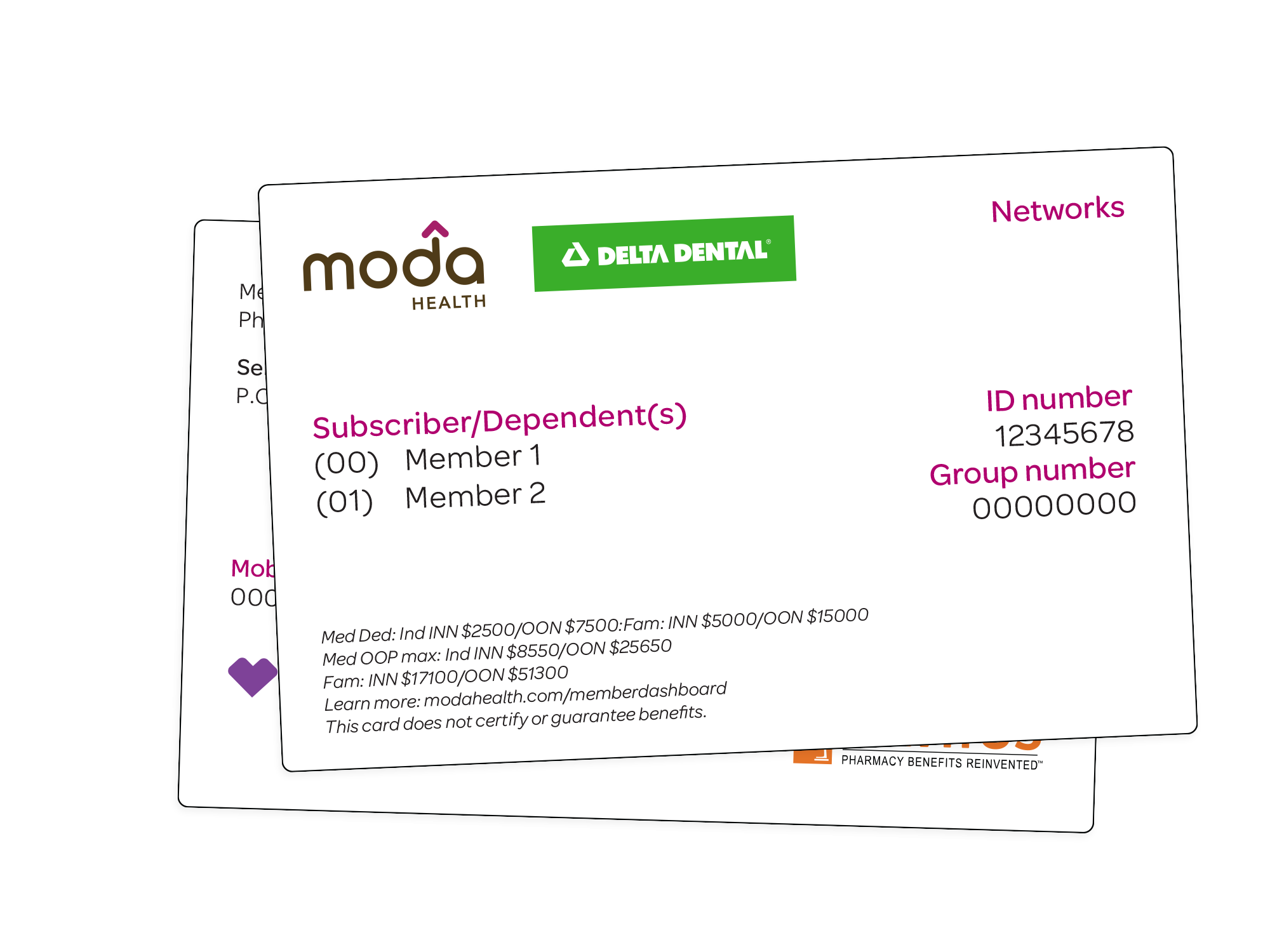
Getting your member ID card
How do I get my Moda Health member ID card?
Your physical Moda member ID card will be mailed to you. When you get your card, keep it in a safe place. You’ll need the information on your card to create your Member Dashboard account.
Once you receive your card, you can create an account. After you create your account, you can view or print a copy of your member ID card from your Member Dashboard. You can also download the Moda Health app from your favorite app store to keep a digital copy handy.
Using your Member Dashboard
What can I do in my Moda Health Member Dashboard?
The Member Dashboard is your online home for your health plan.
You can use it to:
- View your benefits and plan information
- Check the status of your claims
- See how much of your deductible you’ve met
- View or print your member ID card
- Search for in-network doctors and other providers
- Estimate healthcare and prescription costs Find other health tools and resources

Where can I find my plan details?
Your Member Handbook is a great place to start. Log in to your Member Dashboard and select Benefits>Member Handbook. Your handbook explains:
- What your plan covers
- What it doesn’t cover
- What you may have to pay
- Which services may need prior authorization
Your coverage start date
Your coverage starts on the effective date listed in your enrollment or plan information. Your start date depends on your plan. You’ll need to meet any eligibility requirements and make your first payment to start your coverage.
Moda Health covers eligible services you receive on or after your coverage effective date. If you're not sure if your coverage is active, check your Member Dashboard or contact Moda Health before getting care.
Finding a doctor, pharmacy or other care
The easiest way is to use Moda Health’s Find Care online provider directory. You can search for doctors and other providers by name, specialty, location or network. When you search as a member using your ID number, you can see providers in your network.
- You can check if your doctor is in network using Find Care in your Member Dashboard. You can also enter your member ID in Find Care without logging in. Always check before making an appointment, since seeing an in-network provider can affect what you pay.
In-network providers have agreed to Moda Health's contracted rates. Depending on your plan, seeing an out-of-network provider could mean paying more out of pocket.
Checking prescriptions
You can check your prescription coverage from your Member Dashboard. Go to Benefits>Pharmacy to:
- Check if a medication is covered
- See estimated costs
- Find a participating pharmacy
Use Moda Health's prescription price check tool to get an estimate before you fill your prescription. Log in to your Member Dashboard, then go to Benefits>Pharmacy Tools. Your cost can vary based on your plan, the medication and the pharmacy you choose.
Your telehealth options
Many Moda Health plans offer virtual care, including 24/7 chat-based telehealth through CirrusMD. Your options and costs depend on your plan. Check your Member Handbook in your Member Dashboard or call the number on your ID card to learn more.
Care while traveling
Travel benefits depend on your plan and where you're traveling. Some Moda Health plans provide access to in-network care outside your service area. Before traveling, check your Member Handbook through your Member Dashboard or contact Moda Health by calling the customer service number on the back of your member ID card for help understanding your coverage.
If you have a medical emergency, get care right away. Go to the nearest emergency department or call 911 when appropriate. After an emergency, contact Moda Health to learn about your benefits and what you may need to do with your claim.
Understanding your healthcare costs
A deductible is the amount you pay for covered services before your plan starts paying its share of the cost. Your deductible is different from your copay and out-of-pocket maximum. You can check to see how much you’ve already paid toward your deductible in your Member Dashboard.
A copay (or copayment) is a fixed, flat dollar amount you pay for a covered health care service or prescription drug at the time you receive it. For example, your plan may have set a copay for a doctor’s visit.
Coinsurance is the percentage of a covered healthcare cost you pay after you've met your deductible. For example, with 20% coinsurance on a $200 service, you would pay $40 and your plan would pay the rest.
Before receiving certain medical services, you can use Moda Health's Healthcare Cost Estimator to get a personalized estimate of what you may pay. The estimator uses your specific health plan information, including your deductible and out-of-pocket maximum, to provide a cost estimate based on your coverage. Log in to your Member Dashboard and look for the Healthcare Cost Estimator.
With the Healthcare Cost Estimator, you can:
- Get personalized cost estimates based on your benefits, deductible status, and out-of-pocket maximum.
- Search for medical procedures by name or billing code.
- Compare costs among in-network providers and facilities.
- View a detailed cost breakdown showing what your plan may cover and your estimated out-of-pocket responsibility.
Please note that estimates are not guarantees of coverage or payment. Actual costs may vary based on billed charges, rates, services rendered, and plan provisions in effect at the time services are rendered.
An Explanation of Benefits (or EOB) is a statement that shows how Moda Health processed your healthcare claim. It includes:
- What your provider billed
- What your health plan covered
- What was applied to your deductible
- What Moda Health says you may owe
It’s important to know that an EOB is not a bill.
You can view your claims and benefits through your Member Dashboard. Log in and select Claims/EOBs.
Your provider and Moda Health process claims separately. Moda Health may send your EOB before you receive a bill from your provider. When you get your bill, compare it with your EOB before you pay it.
First, compare the bill with your Moda Health EOB. The EOB shows how Moda Health processed the claim and what you may owe. If the bill doesn't match your EOB, contact your provider and Moda Health to understand the difference before you pay.
Your cost can depend on your deductible, copay, coinsurance, provider and if the service is covered by your plan. Check your EOB first. If you're still unsure why you owe the amount shown, contact the Moda Health Customer Service team for help.
Checking claims status
You can check your claims anytime through your Member Dashboard. Log in to review your claims and current benefits information.
It may be that your provider hasn’t sent the claim to Moda Health yet, or Moda Health is still processing it. If you've been waiting longer than expected, contact your provider to make sure the claim was submitted. You can also contact Moda Health to check the status.
What if a claim is denied?
A denied claim means Moda Health did not approve payment for all or part of the claim. A denial doesn’t mean you owe the full amount. Check your EOB to see why the claim was denied and if the amount listed is your responsibility.
Start by reviewing your EOB or denial letter. It should explain why the claim was denied and what you can do next. Sometimes your provider needs to correct the claim or send more information. You may also have the right to appeal the decision. Follow the instructions in your EOB or denial letter.
Not always. Check the member responsibility amount on your EOB. If you aren't sure what you owe, contact Moda Health before paying the bill to learn more about your options.
Understanding prior authorization
Prior authorization means Moda Health needs to review certain healthcare services before you receive them. Depending on your plan, some services, treatments, medicines or supplies may need authorization ahead of time. If you’re unsure whether a service requires prior authorization, check your plan information or contact Moda Health before getting the service.
In many cases, your healthcare provider takes care of the prior authorization request. However, it's a good idea to make sure authorization is needed and has been requested before you receive the service. Ask your provider or Moda Health if prior authorization is required.
Still have questions?
Where should I start if I don't know who to call?
The best place to start is with your Member Dashboard. It brings many of your most-used health plan tools together, including your ID card, benefits, claims, provider search and cost tools.
If you still need help, call the Moda Health Customer Service phone number on the back of your member ID card.